Content API.
Read documents, properties, and fragments from your website or app. Build your own content experience.
Write with your team, shape content around your product, and publish it wherever your audience needs it.
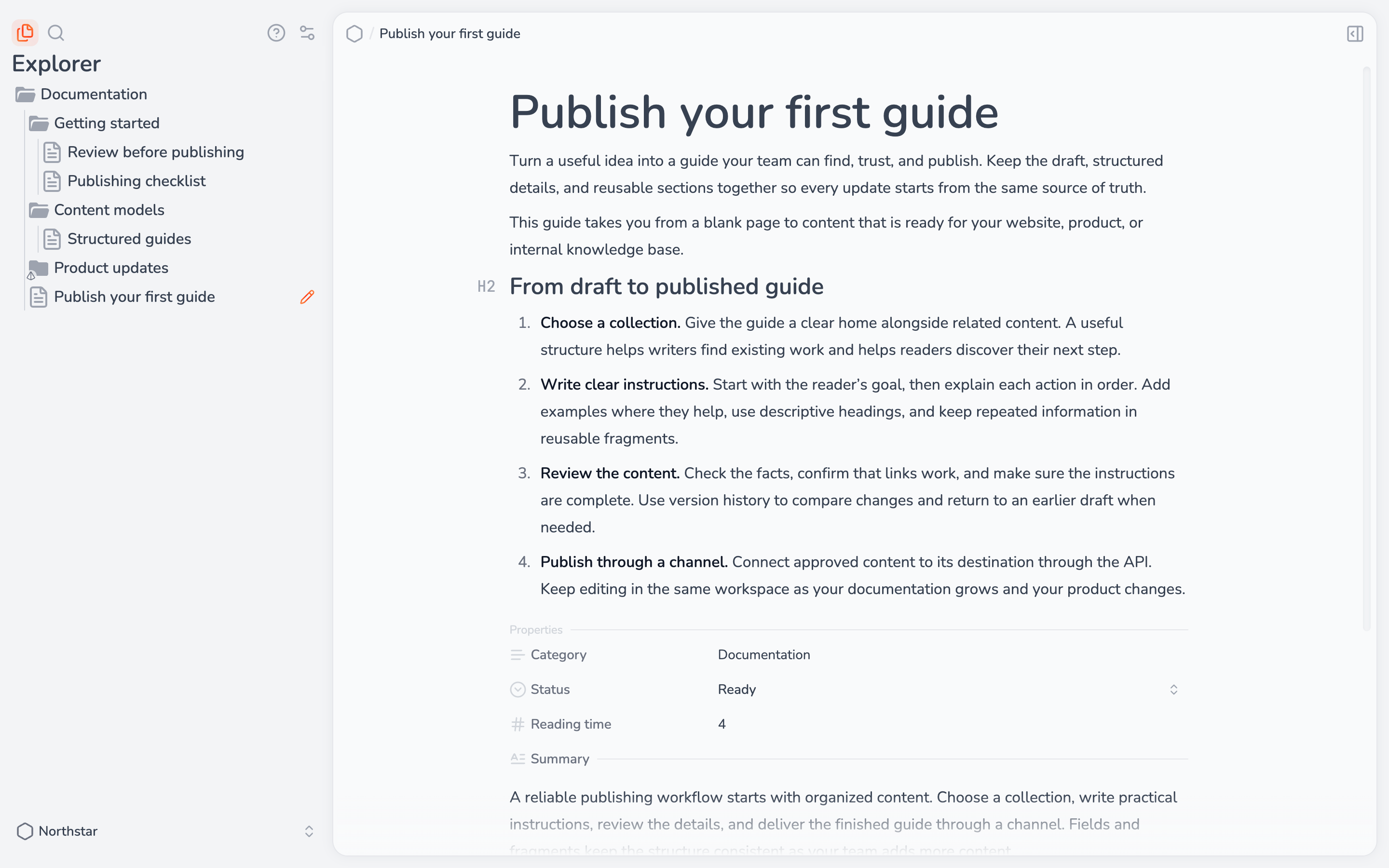
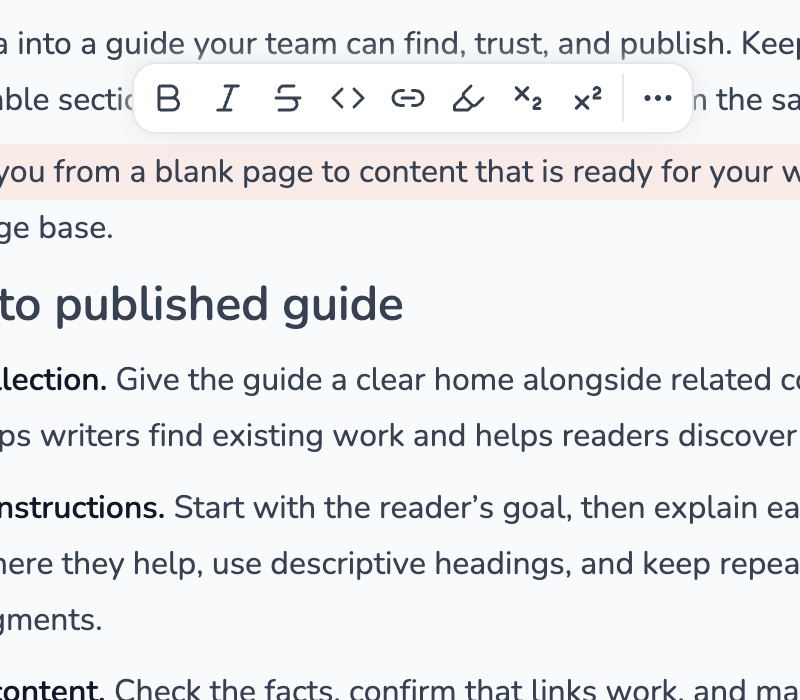
Write with your team in a rich-text editor.
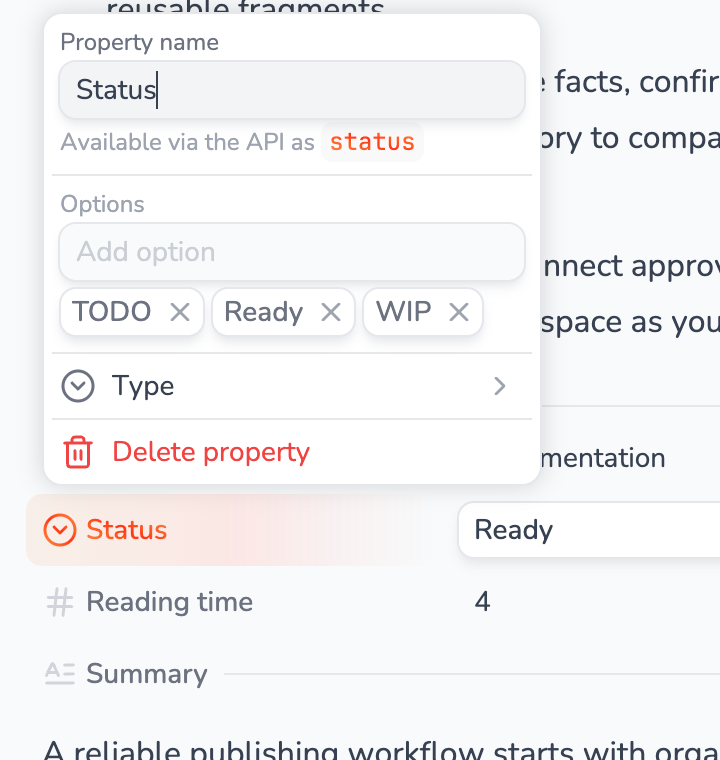
Add fields and named sections. Reuse schemas across documents.
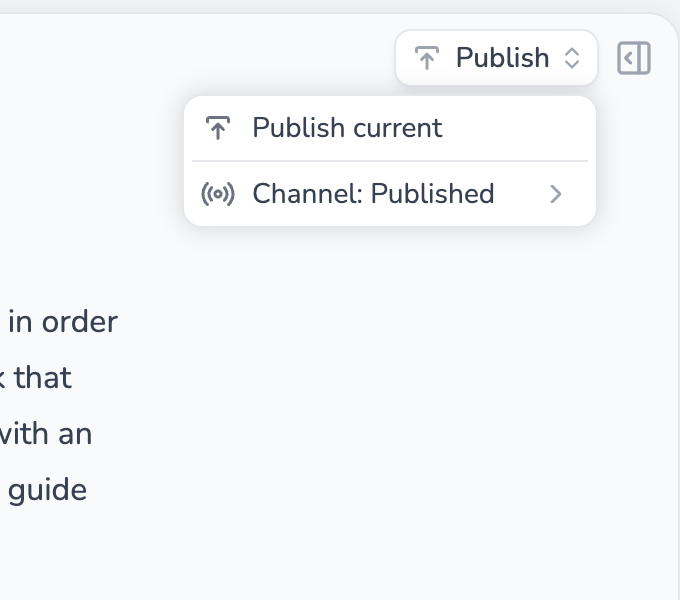
Deliver content through the API or sync files to GitHub.
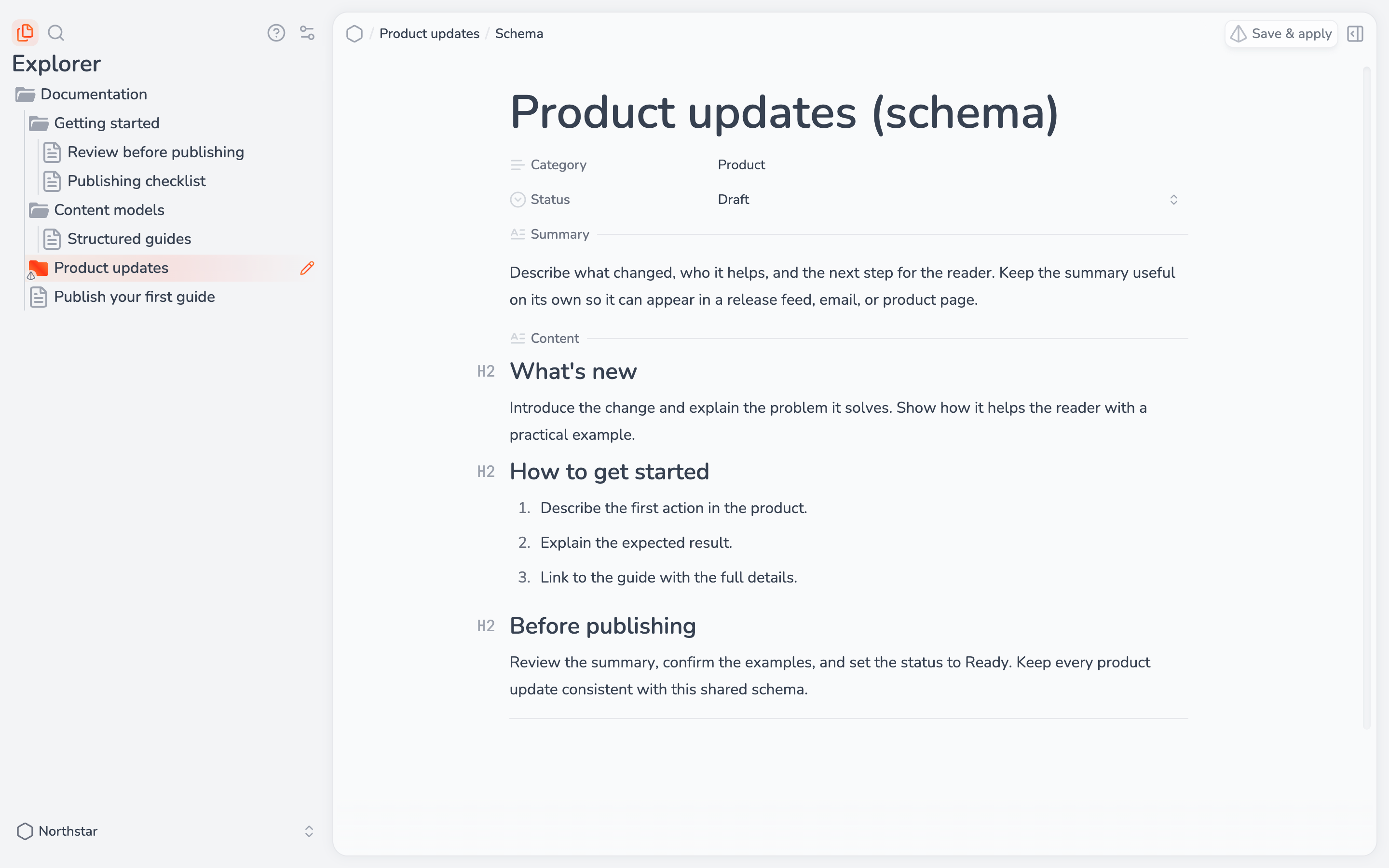
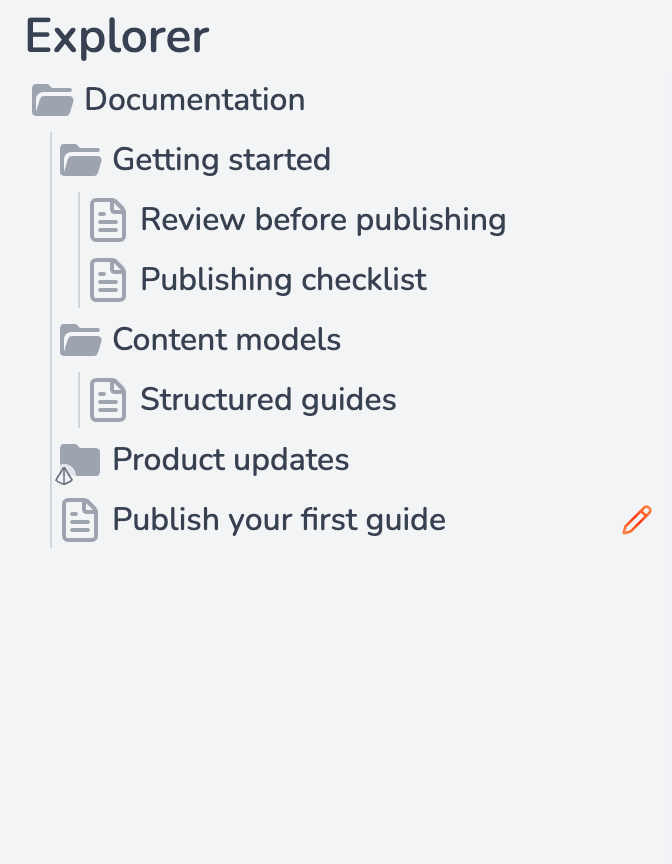
Write rich text, add properties, and organize documents into collections. Keep your content and its structure in one workspace.
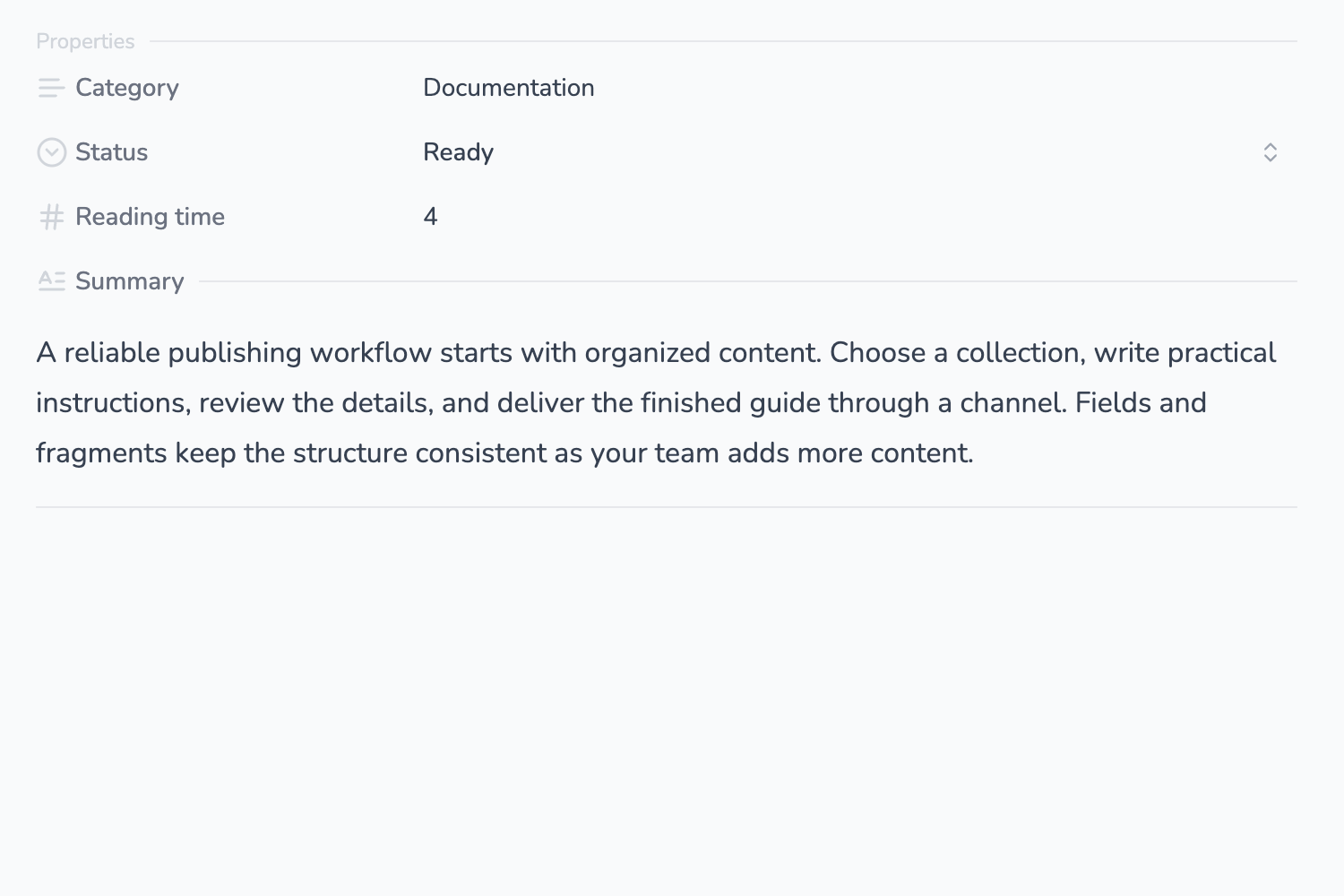
Add status, category, and date properties. Split rich text into named fragments, such as a summary or body. Read each part through the API.
Define properties and fragments once. Apply a schema to a collection to keep its documents consistent.
Add custom elements and attributes with JSX/XML-like syntax, ready for your content transformers.
Choose a channel and read published content from your website or app. Need files instead? Transform your content and sync it to GitHub.
Read documents, properties, and fragments from your website or app. Build your own content experience.
Serve separate versions of the same content for previews, releases, or different apps. Choose which version each channel publishes.
Compare versions and restore earlier drafts. Publish a saved version to a channel while you keep editing the next one.
Transform documents and custom elements into Markdown, MDX, or your own format.
Automatically sync converted files to your repository for your site to build and publish.
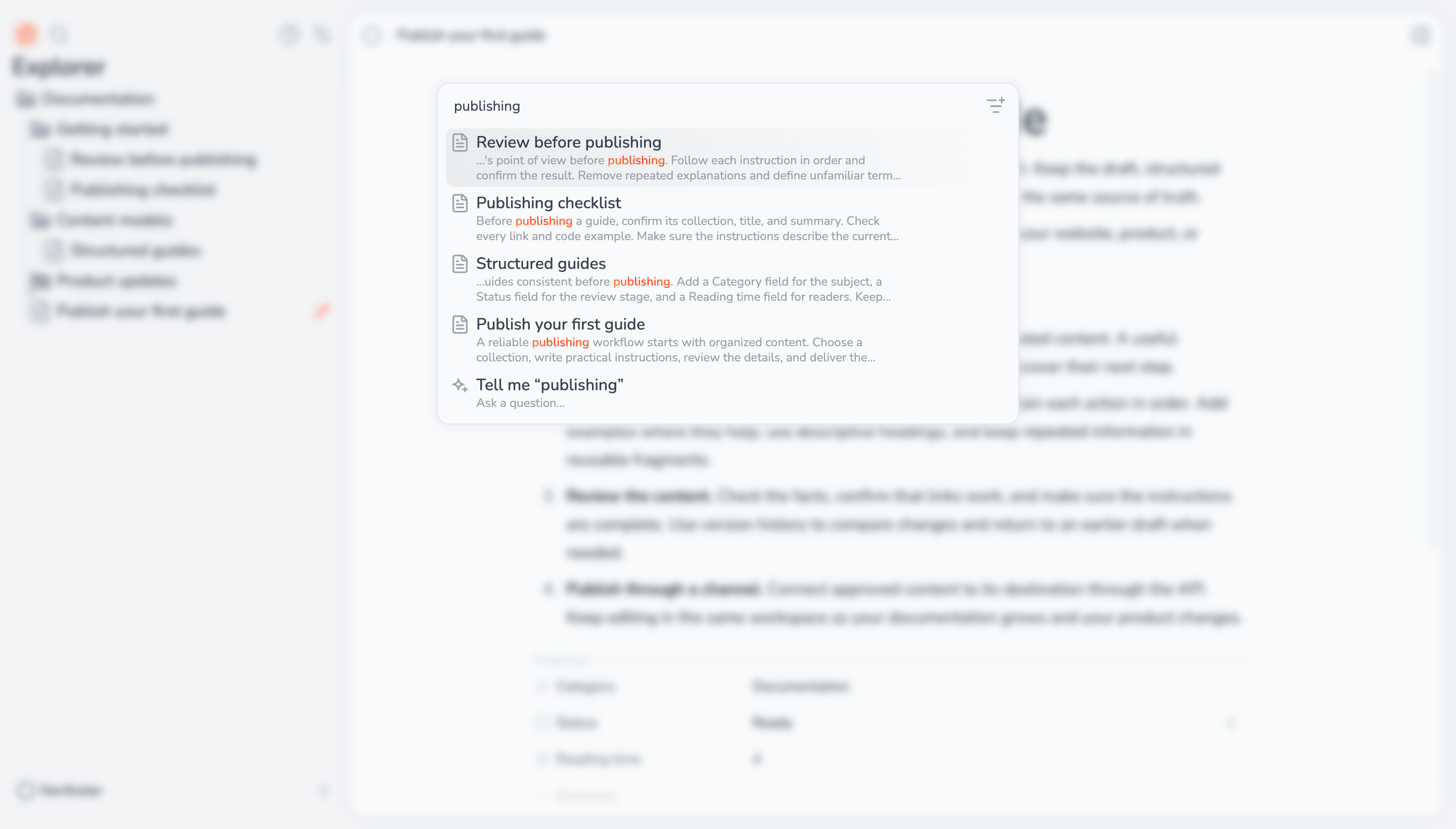
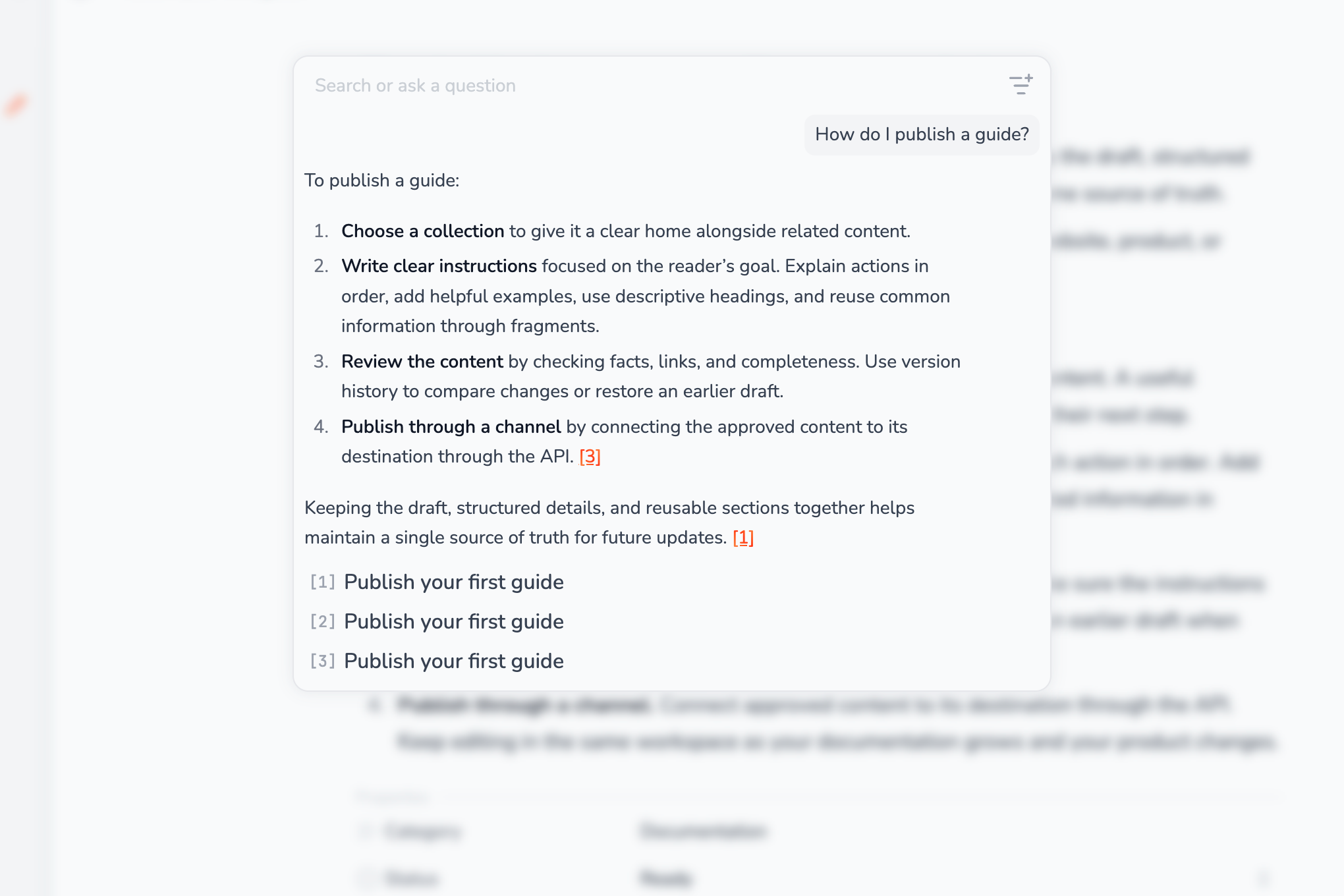
Get AI answers with links to source documents, or search your workspace directly.
Edit the same document in real time.
Invite people. Set roles, groups, and collection access.
Connect AI tools to your workspace through MCP.
Yes. Get the source on GitHub and run it on your infrastructure. The default setup includes Pro features. You manage hosting, storage, and connected services.
Free includes rich text editing, collections, schemas, and 1,000 API calls per month for individual use. Pro adds collaboration, access controls, priority support, and 500,000 monthly API calls for $12 USD per seat per month. Pricing applies to the cloud app.
Every Pro workspace member counts, including the owner and read-only members. Invitations count after the person joins. Each workspace has a one-seat minimum.
Yes, shared across all seats. It resets each calendar month in UTC: 1,000 calls on Free and 500,000 on Pro. Extra Pro calls cost $1 USD per 50,000. Free metered requests stop at the limit until reset or upgrade.
Yes, with links to source documents. Each successful AI question counts toward your workspace’s monthly API allowance. For self-hosting, configure search and AI services.