
Introduction
Andesine is a content workspace where teams write, organize, and publish docs, guides, and knowledge bases.
Andesine is a content workspace for docs, guides, and knowledge bases. Your team writes together in a real-time editor, gives content a structure with schemas, and publishes it to websites, apps, and AI agents.
What you can do
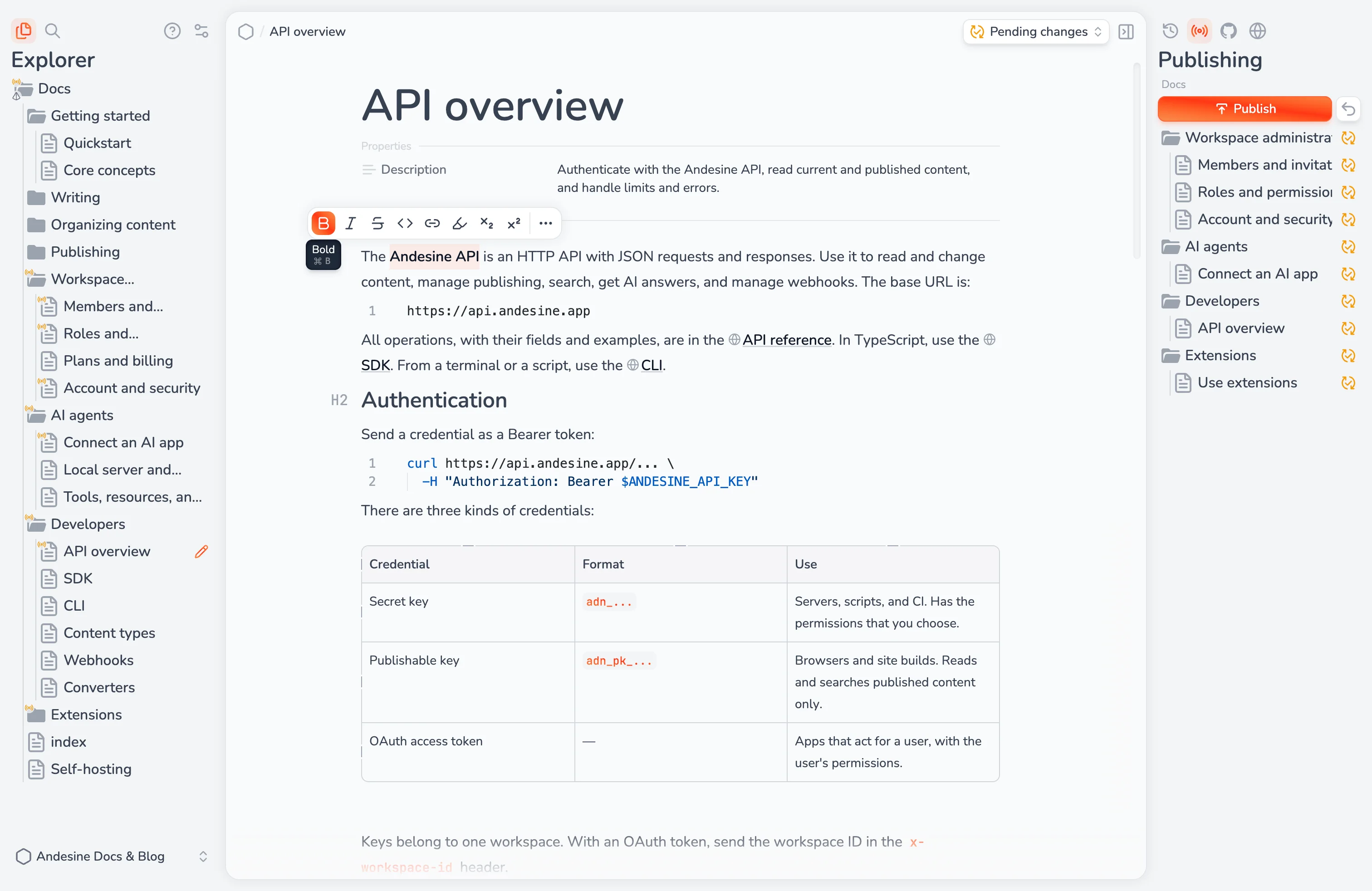
Write together. The block editor has Markdown shortcuts, tables, code blocks, images, and components. Changes appear live for all editors, and Andesine saves them as versions.
Organize content. Collections hold entries in a tree. Schemas add typed properties and named content areas to the entries of a collection.
Publish with control. You choose which version of each entry is public. Read published content with the API and the SDK, host a documentation site, or sync it to a GitHub repository.
Connect AI agents. Claude, ChatGPT, Cursor, and other AI apps can search, read, and edit your workspace through MCP, with your permissions.
Extend the workspace. Install extensions, or build your own panels, pages, and editor views.
Andesine Cloud and self-hosting
Andesine is open source. Use Andesine Cloud at andesine.app, or run Andesine on your own server with Docker.